
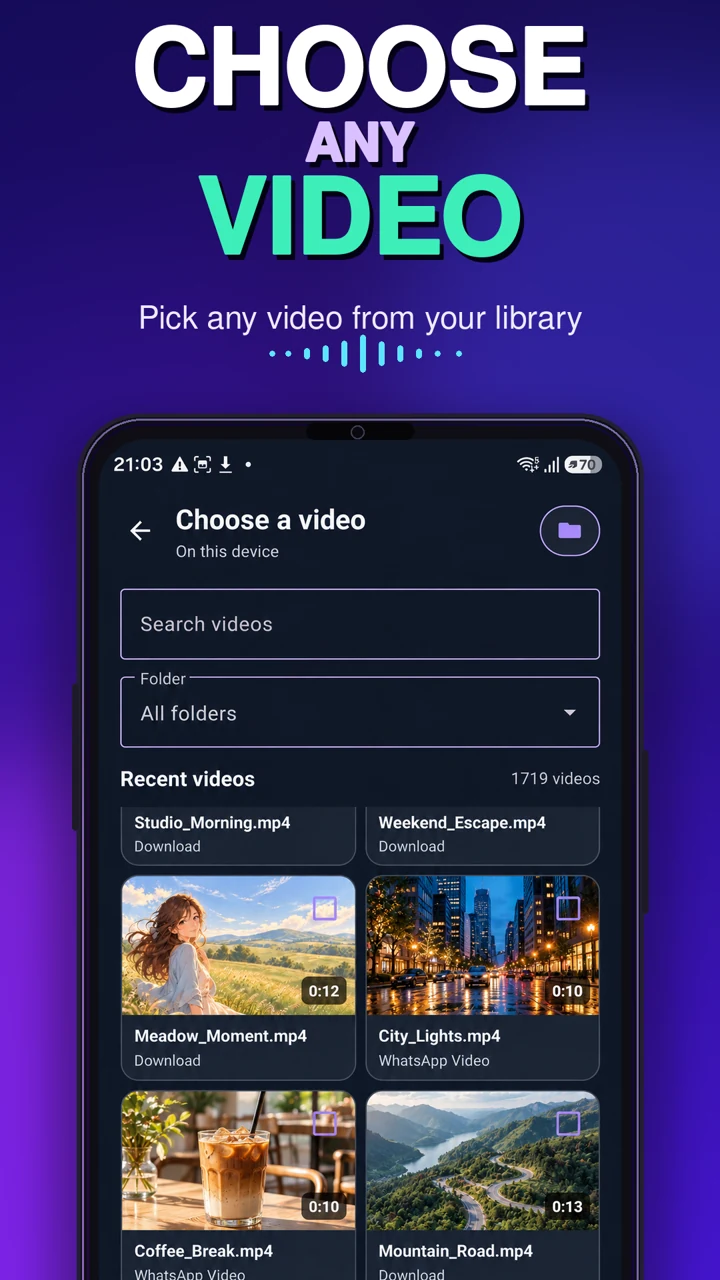
Choose a video
Select a video from your device and preview it.
UNIQMOB · ANDROID
MP4 to MP3: Video to Audio
Extract MP3, M4A, AAC, FLAC, OPUS or WAV. Trim the exact section, preview it and save it on your Android device.
Six output formats. Precise trimming. On-device media conversion.
FROM VIDEO TO SAVED AUDIO
Select a video from your device and preview it.
Pick the section, format, bitrate, sample rate and channels. Adjust volume or fades when needed.
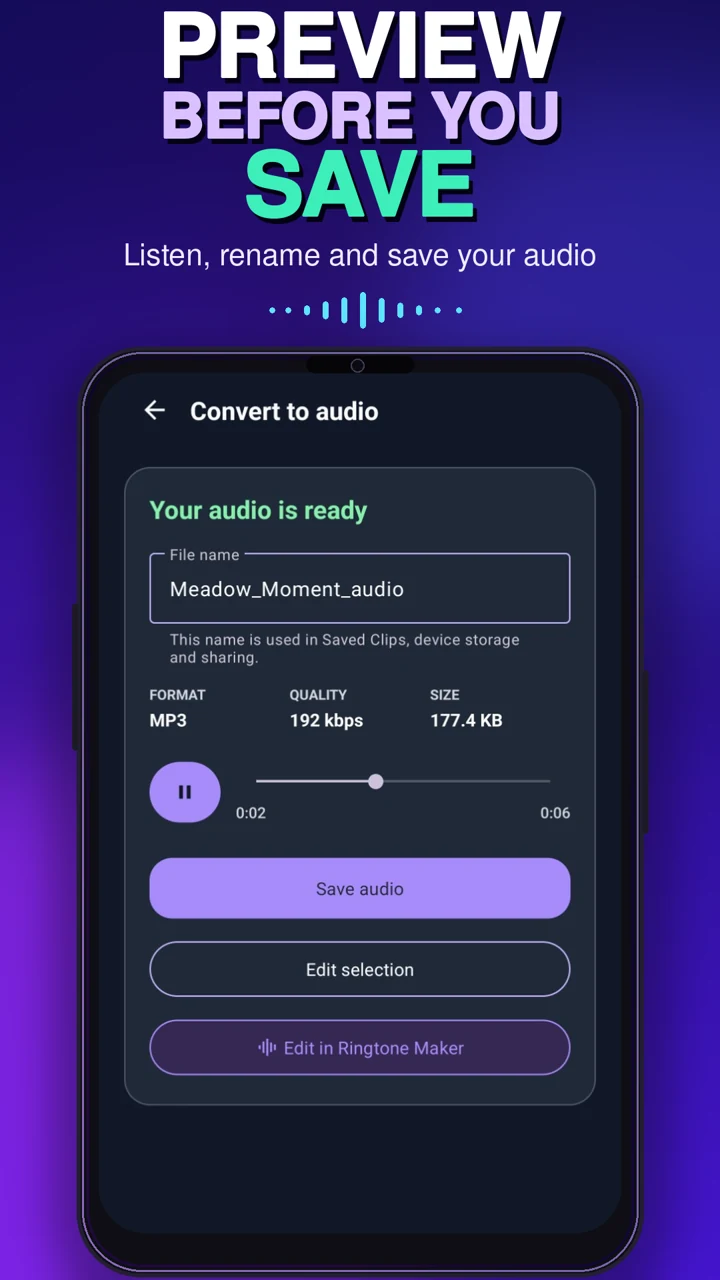
Listen before saving, rename the clip, store it in My Clips or share it.
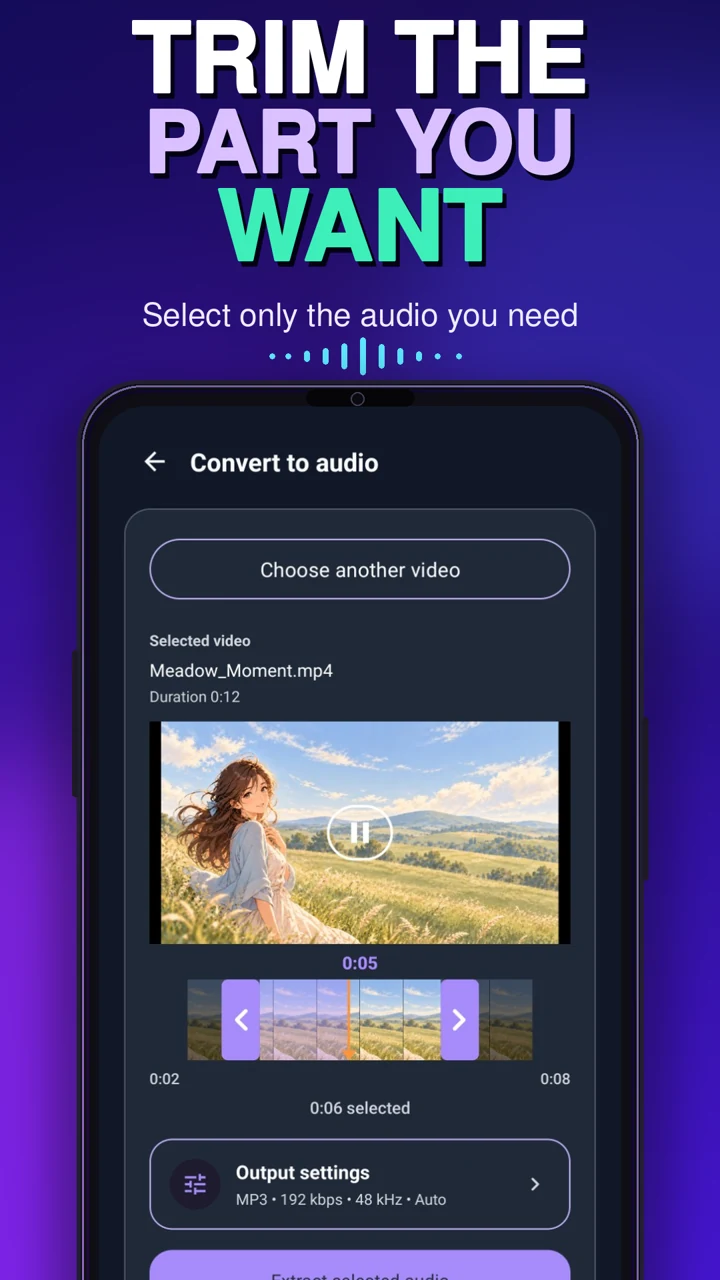
KEEP THE PART THAT MATTERS
Move the start and end handles to extract only the part you want, or keep the full track. Preview the audio before saving.
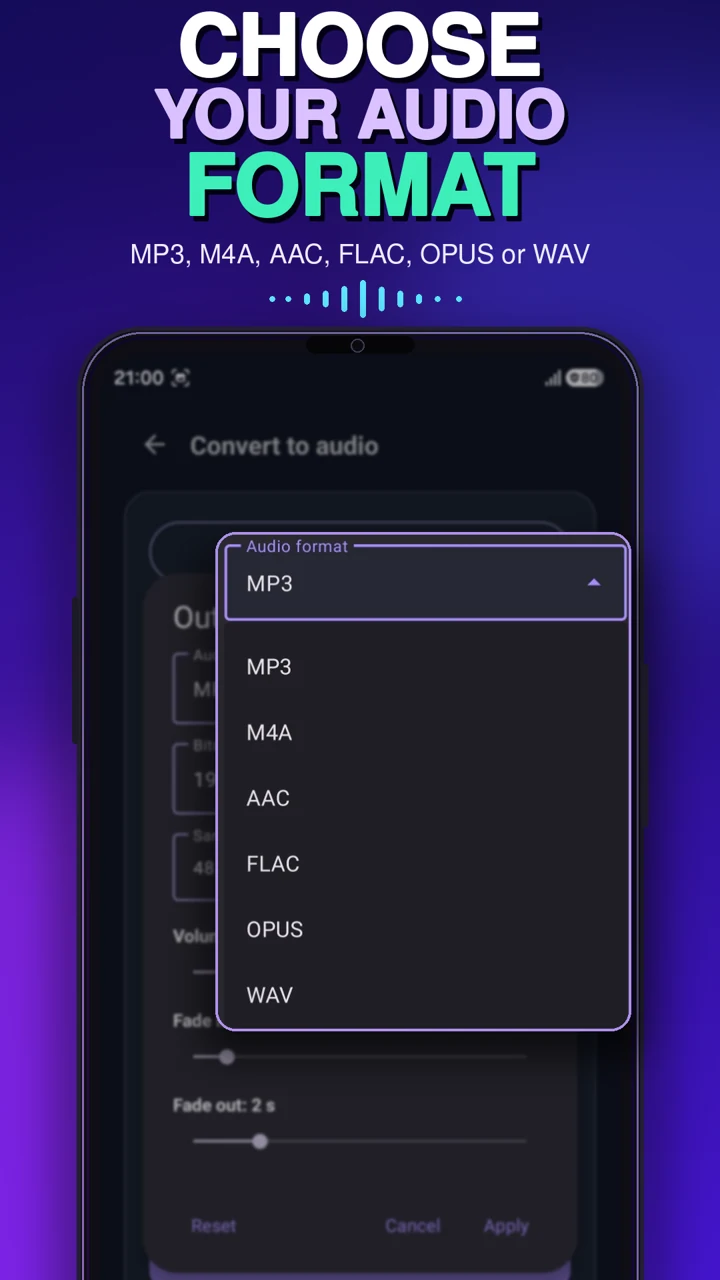
CHOOSE YOUR OUTPUT
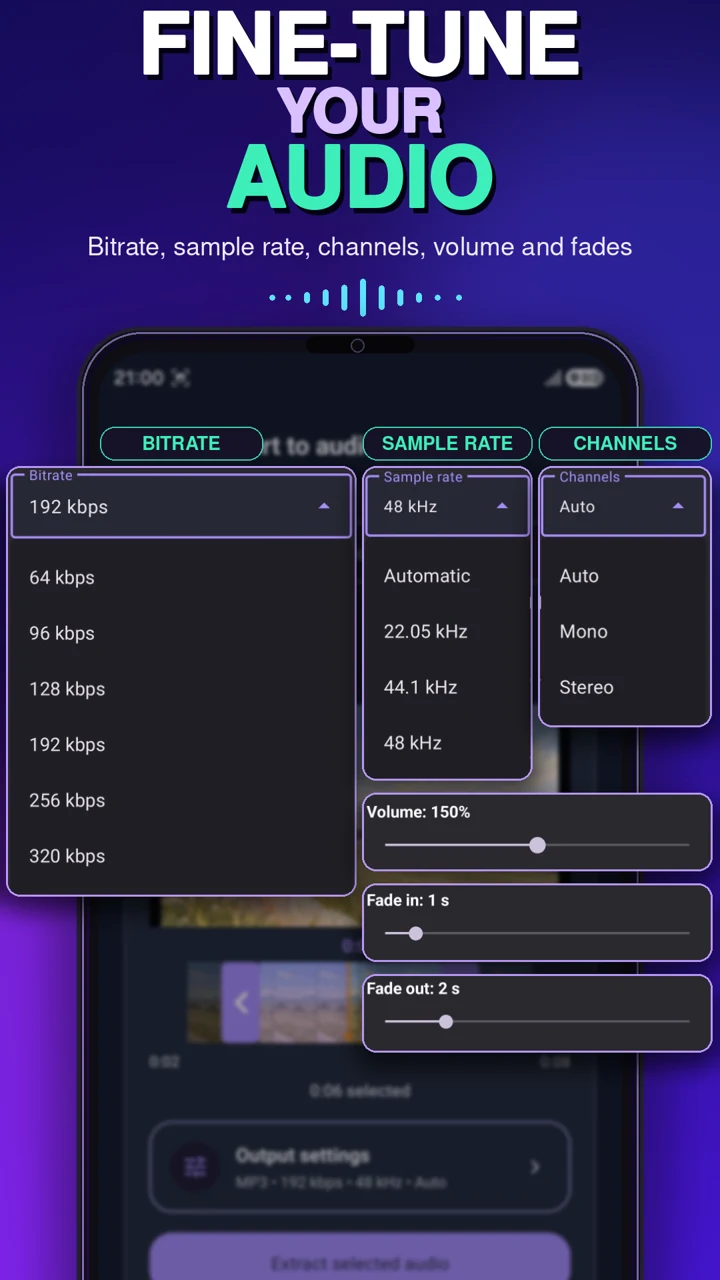
Save as MP3, M4A, AAC, FLAC, OPUS or WAV. Choose MP3 bitrates from 64 to 320 kbps, sample rates up to 48 kHz, and automatic, mono or stereo channels.
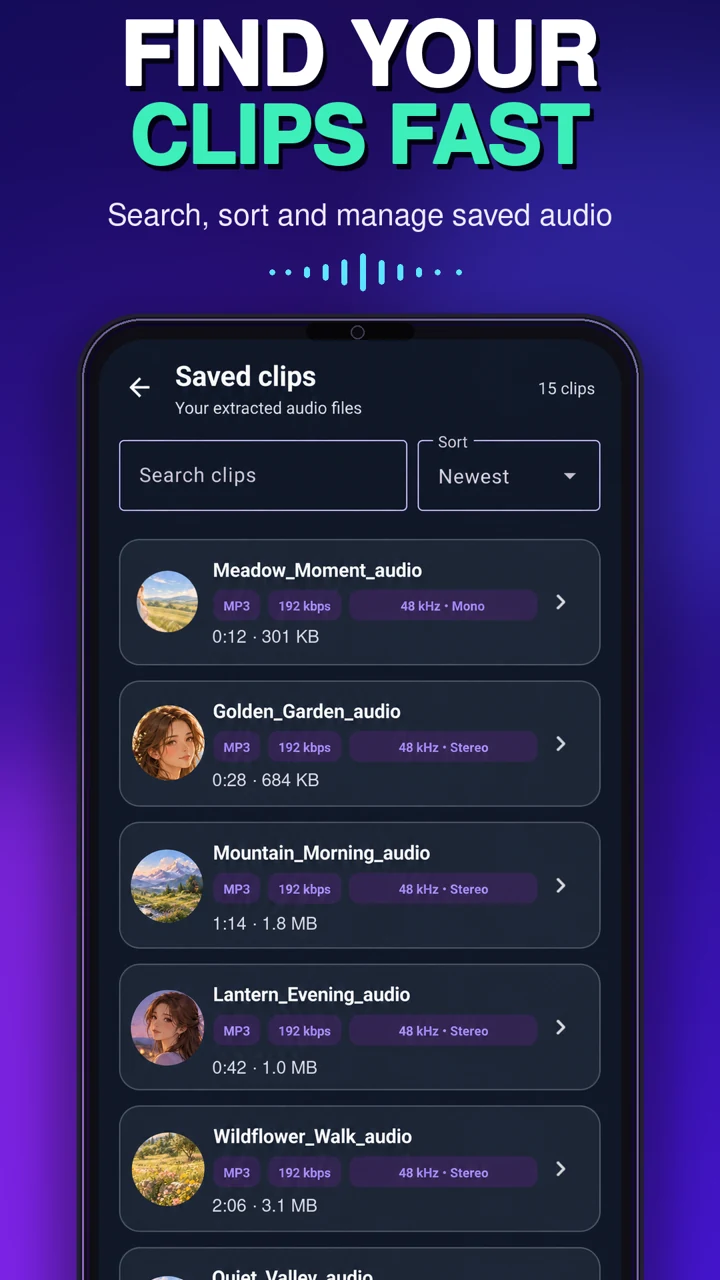
YOUR CLIPS, IN ONE PLACE
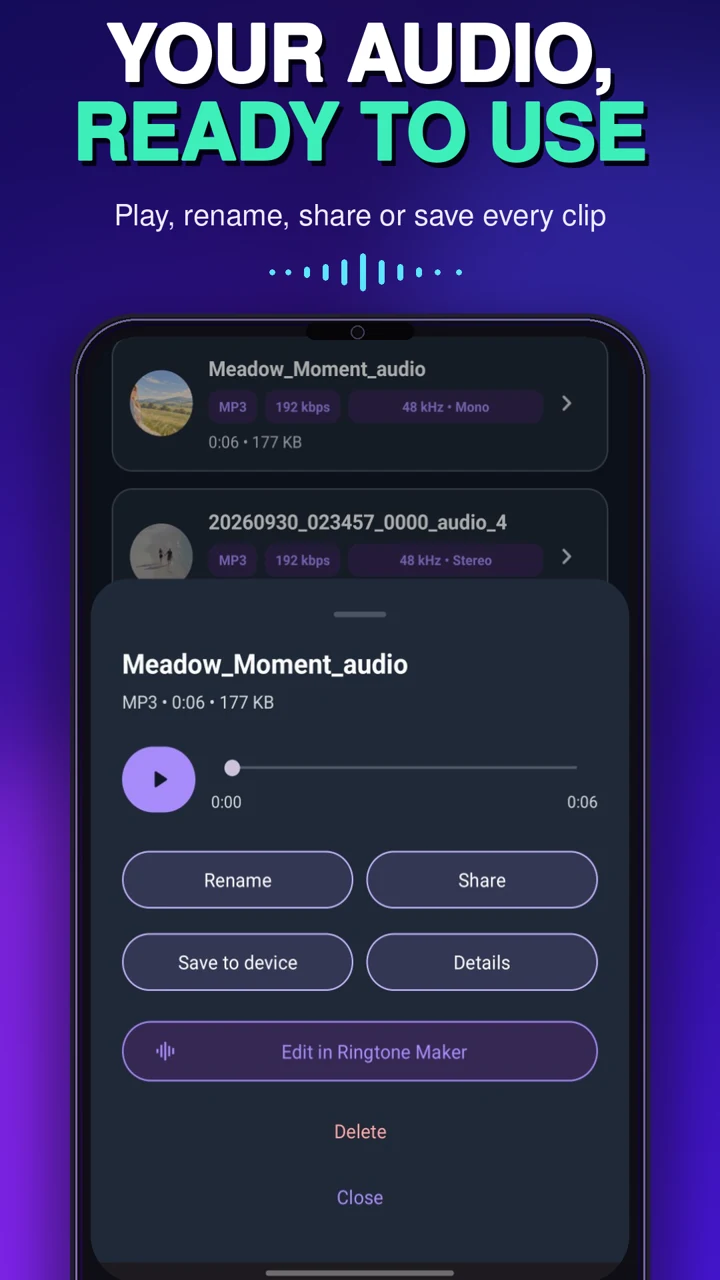
Play, search, sort, rename, share, view details, save to your device or delete extracted clips from one library.
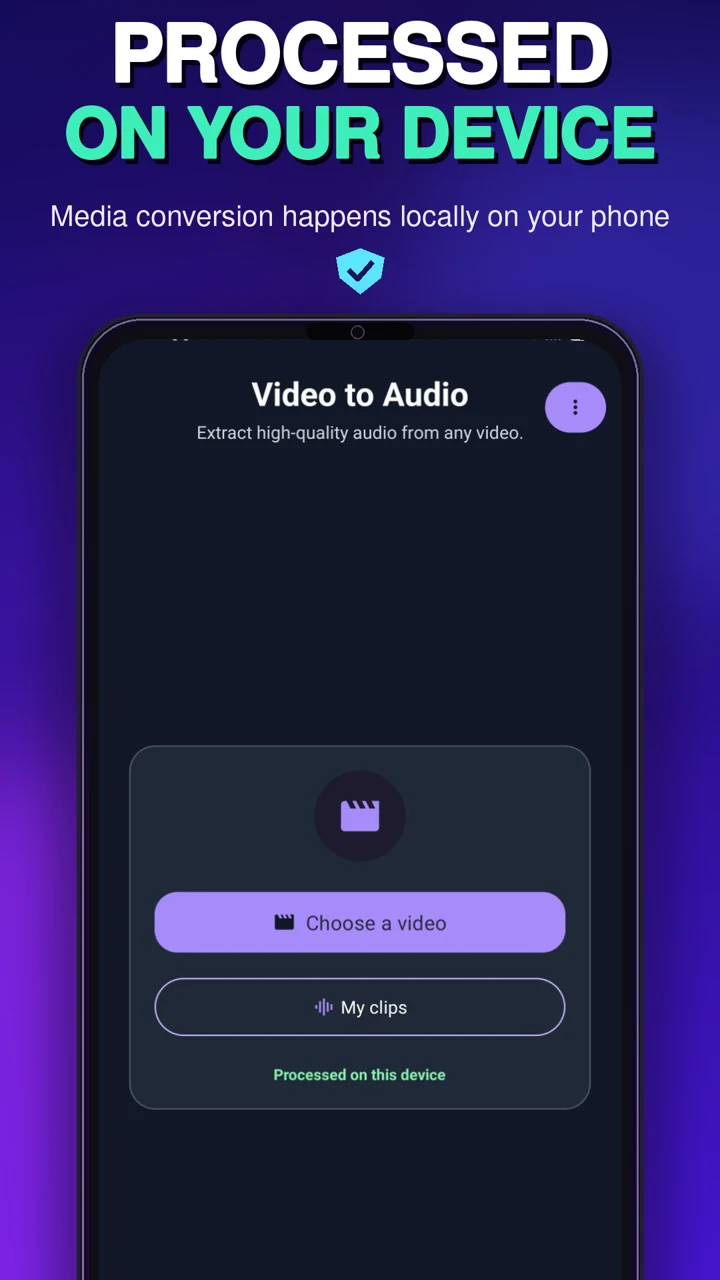
Processed on your device
Media conversion happens on your Android device instead of requiring an upload to a conversion website.
A CLOSER LOOK
GOOD TO KNOW
Yes. Choose the video, select MP3, trim the section if needed, preview it and save the result.
MP3, M4A, AAC, FLAC, OPUS and WAV.
Yes. Move the start and end handles to select the exact section before extraction.
Yes. Available controls include bitrate, sample rate, channels, volume, fade-in and fade-out.
They appear in My Clips and can be saved to device storage.
The app converts compatible video files already available to select on the device. It is not a video downloader. Convert only media you own or have permission to use.
Video to Audio by UNIQMOB for Android.
Google Play availability coming soon
Contact UNIQMOB